
Whether you are a new to web development or not, the Web Developer Toolbar of Firefox is definitely one essential tool. Actually, some people learn more about CSS along the way with this tool. Why? You could edit your stylesheet and view the page (with these changes). That gives you time to play around with […]
Living it up on your blog with smileys!
April 25, 2024 by

There are different ways to express yourself with words. Sometimes, the way you construct your sentences would show your readers what you feel or how you are feeling when you wrote your blog entry. And of course, there are also those times that you simply want your facial expression to show up without posting a […]
Coloring with Tools!
April 25, 2024 by
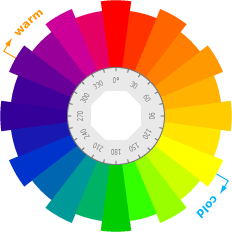
Colors are the first things you’d notice about a site, and it also works the same way for your blog. Bright colors can catch a reader‘s attention quickly, but they also tend to be hard for reading. Dark colors are great for text, but they are also dull and uninteresting. Setting up a muted color […]
Adding Google Gadgets to your blog
April 25, 2024 by
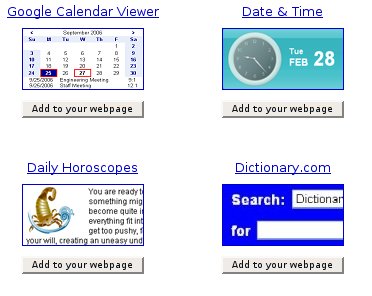
The Bloggy Widgets blog has an interesting blog entry about Google Gadgets. Are you a fan of Google? It’s a really cool company. Aside from the really fantastic search engine, they also gave us ways to make blogging and earning from blogging quite easy with AdSense. The widgets they showcase are really nifty and cool. […]
Learning CSS as You Blog Along
April 25, 2024 by
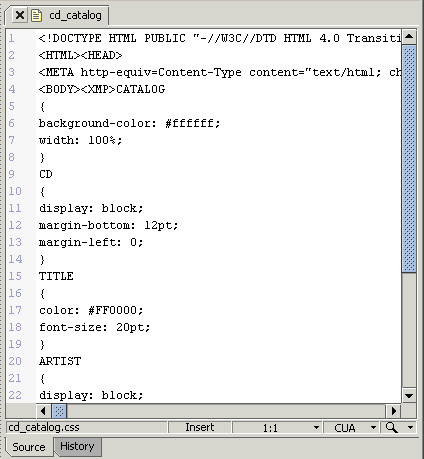
We all have preferences and we have certain personality quirks. In order for you to showcase these preferences and quirks on your blog, you would have to know what tools you can use in order to do so. For those who have basic knowledge of CSS, it is quite easy because changing some values here […]
PageLines – An Overview
April 1, 2024 by
PageLines provide WordPress themes allowing business people to create their own, professional looking web sites without the need for knowledge of codes. The provided templates are easy to use and brand new, custom built web sites complete with advanced functionality can be created in seconds. Originally posted on May 26, 2011 @ 4:17 am